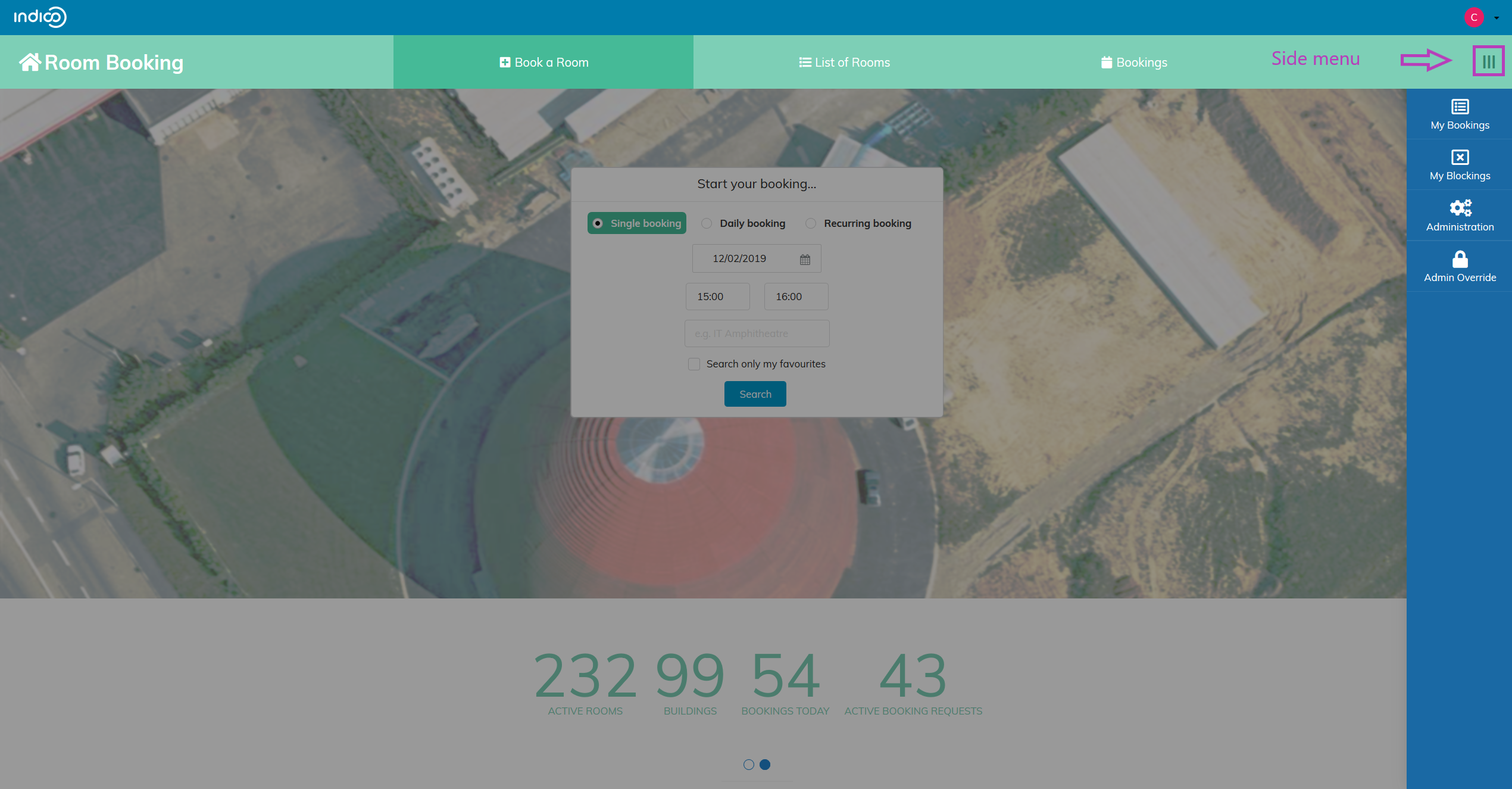
Accessing the module
Getting into Room Booking Module
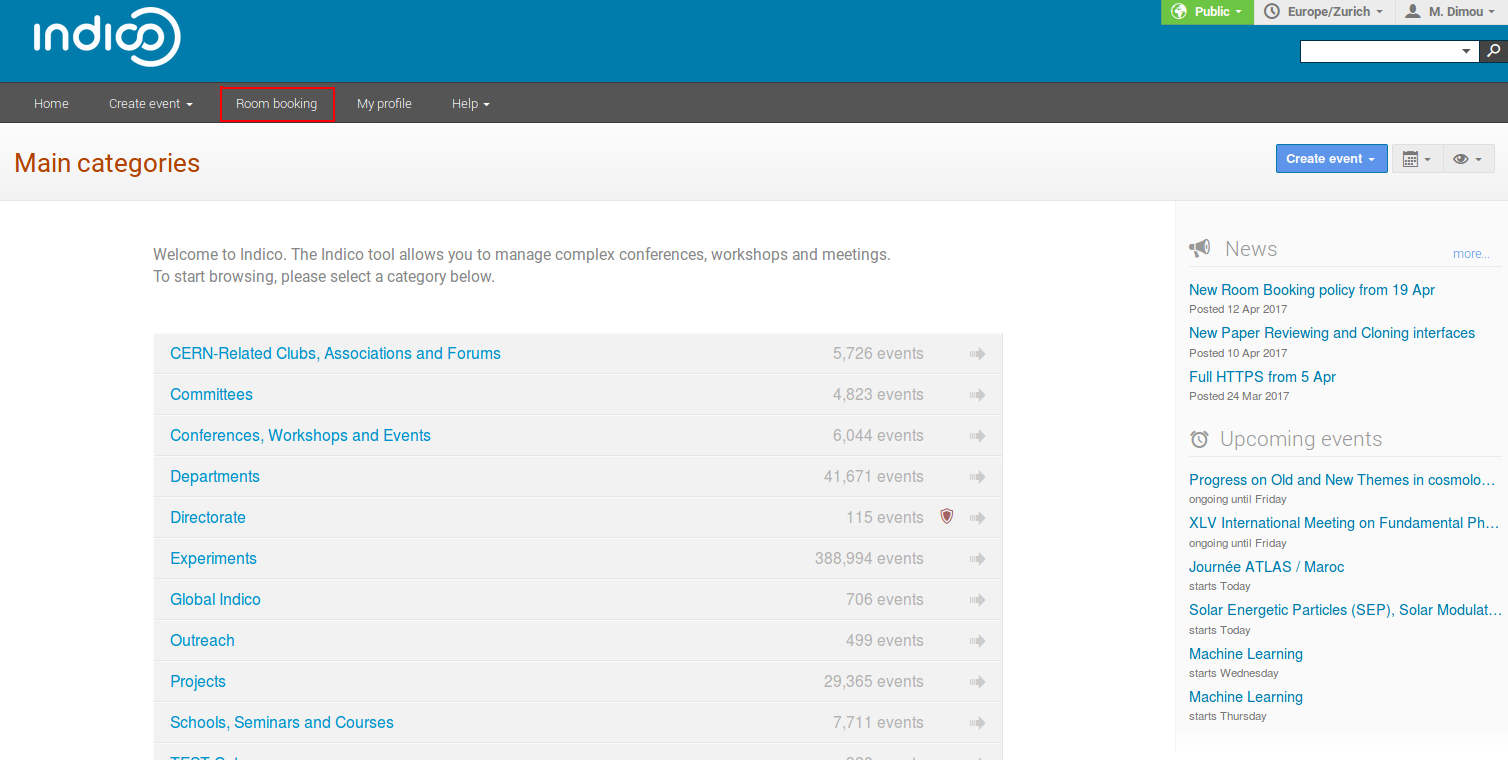
Just click on Room Booking in the Indico home page, in the top dark bar. You will be asked to sign in. Use your Indico login.
The First Page
The Room Booking first page shows a booking area, a side menu and a horizontal menu.
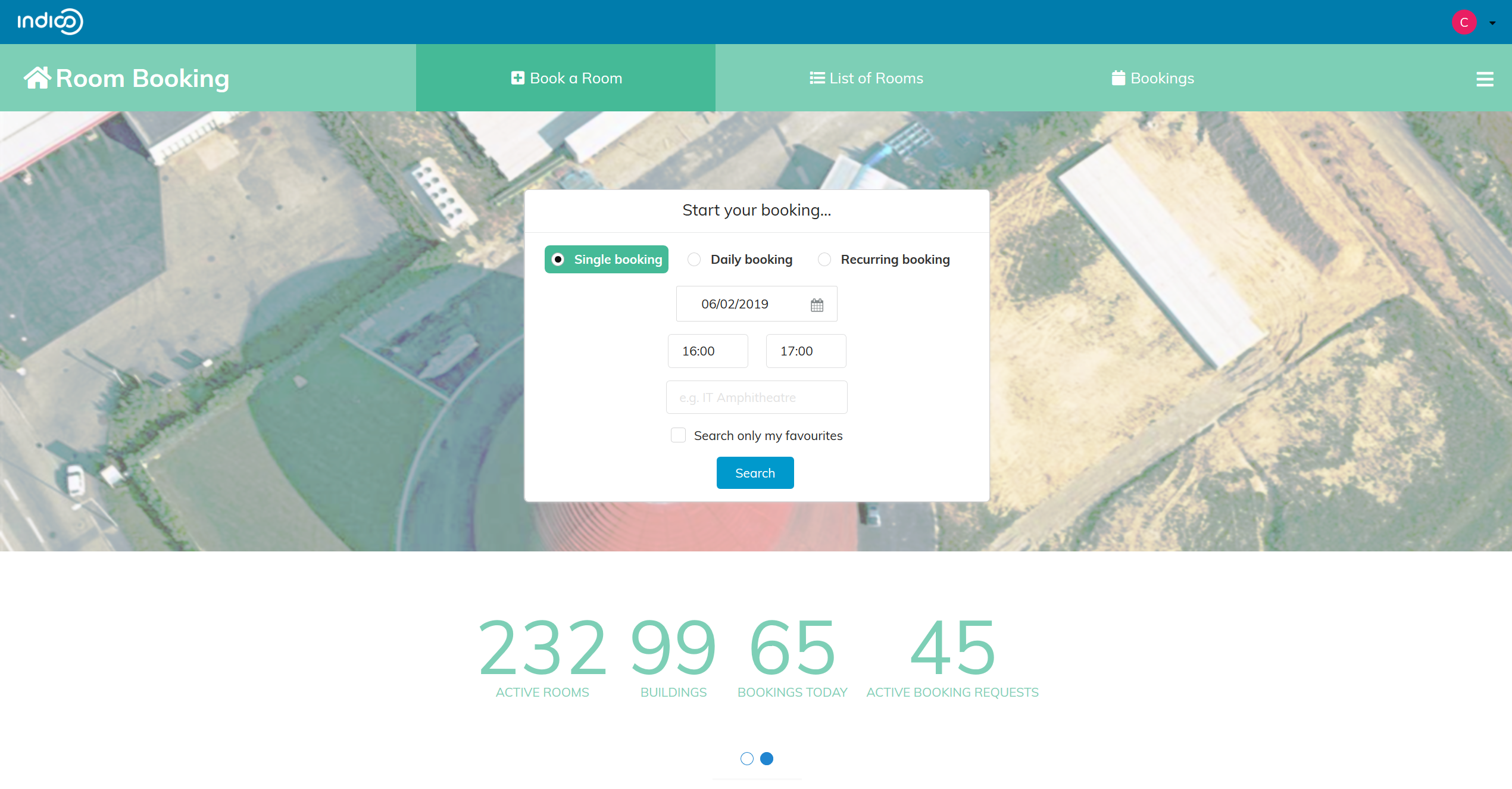
The booking area
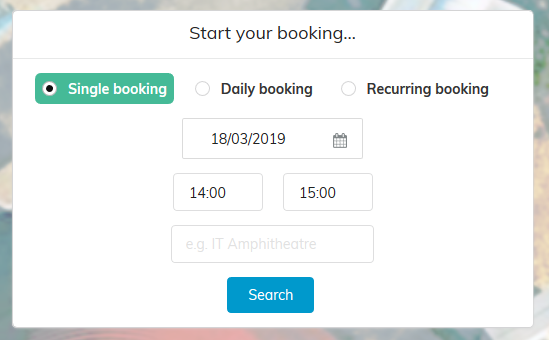
The horizontal menu

Book a Room
This is the main page of Indico Room Booking and the page to go if you want to book a room easily.
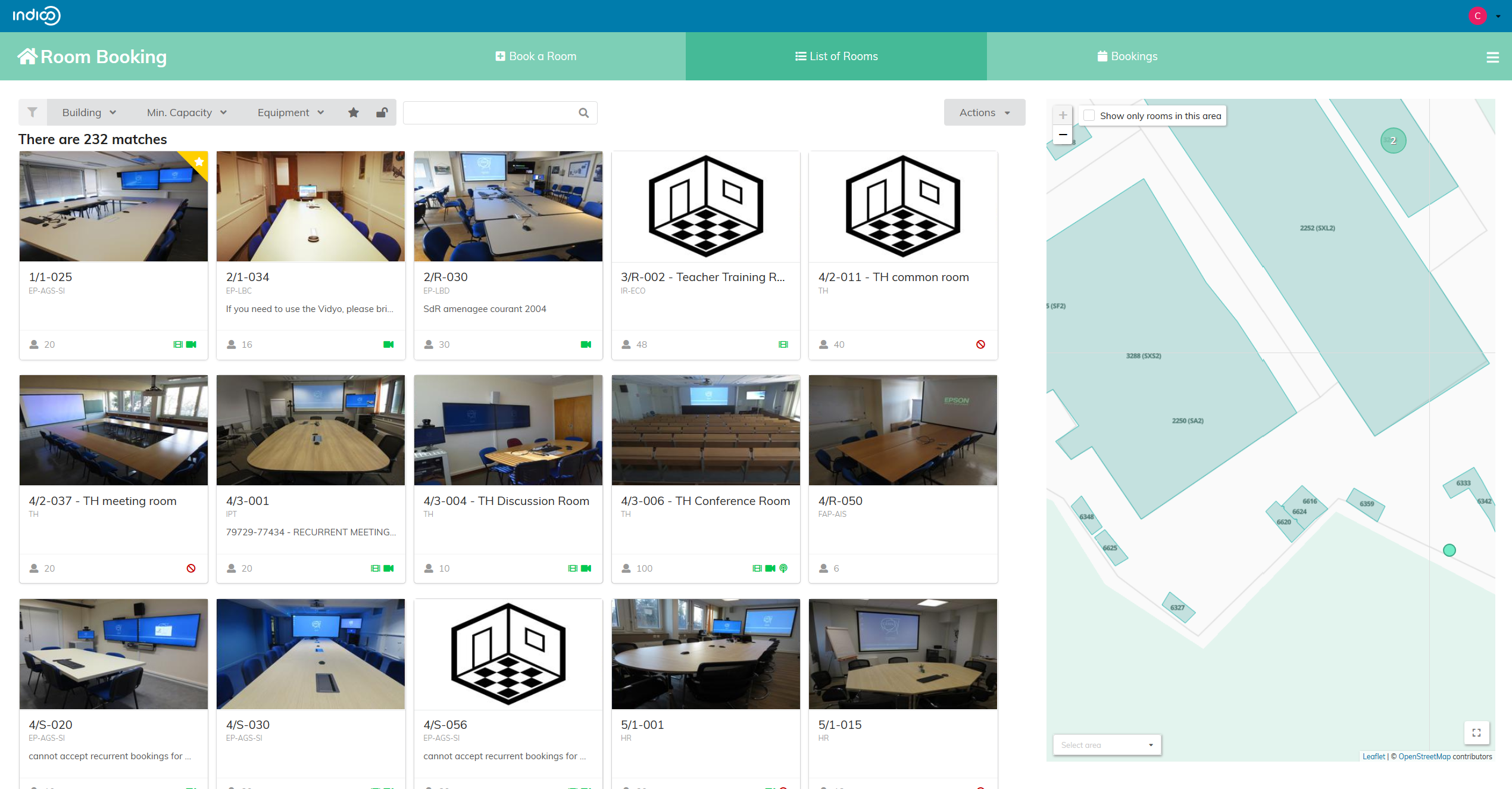
List of Rooms
This page shows you all the rooms available at CERN for your conference, meeting or lecture. You also have a map if you want to find a room in a specific area of CERN.
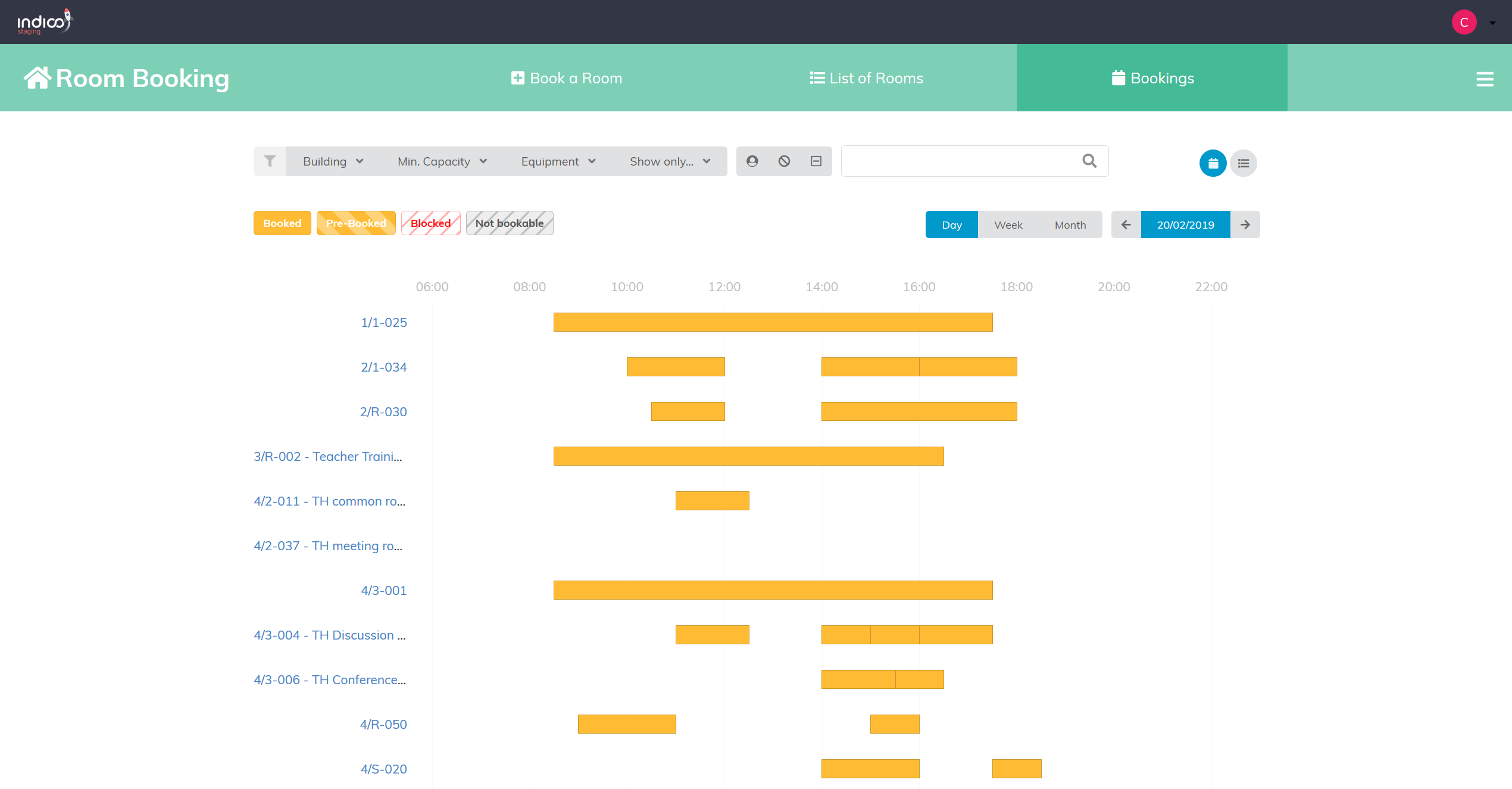
Bookings
This page shows you the bookings for all the rooms by day, by week and by month.
The side menu